
The rulebook for parts
that actually quote.
Live DFM rules, tolerance bands, material guide, quote tutorial, and FAQ — built by the same engineers who price your jobs. Skim before you upload. Search after the quote arrives.
Free for every account. No paywalls, no gated chapters.
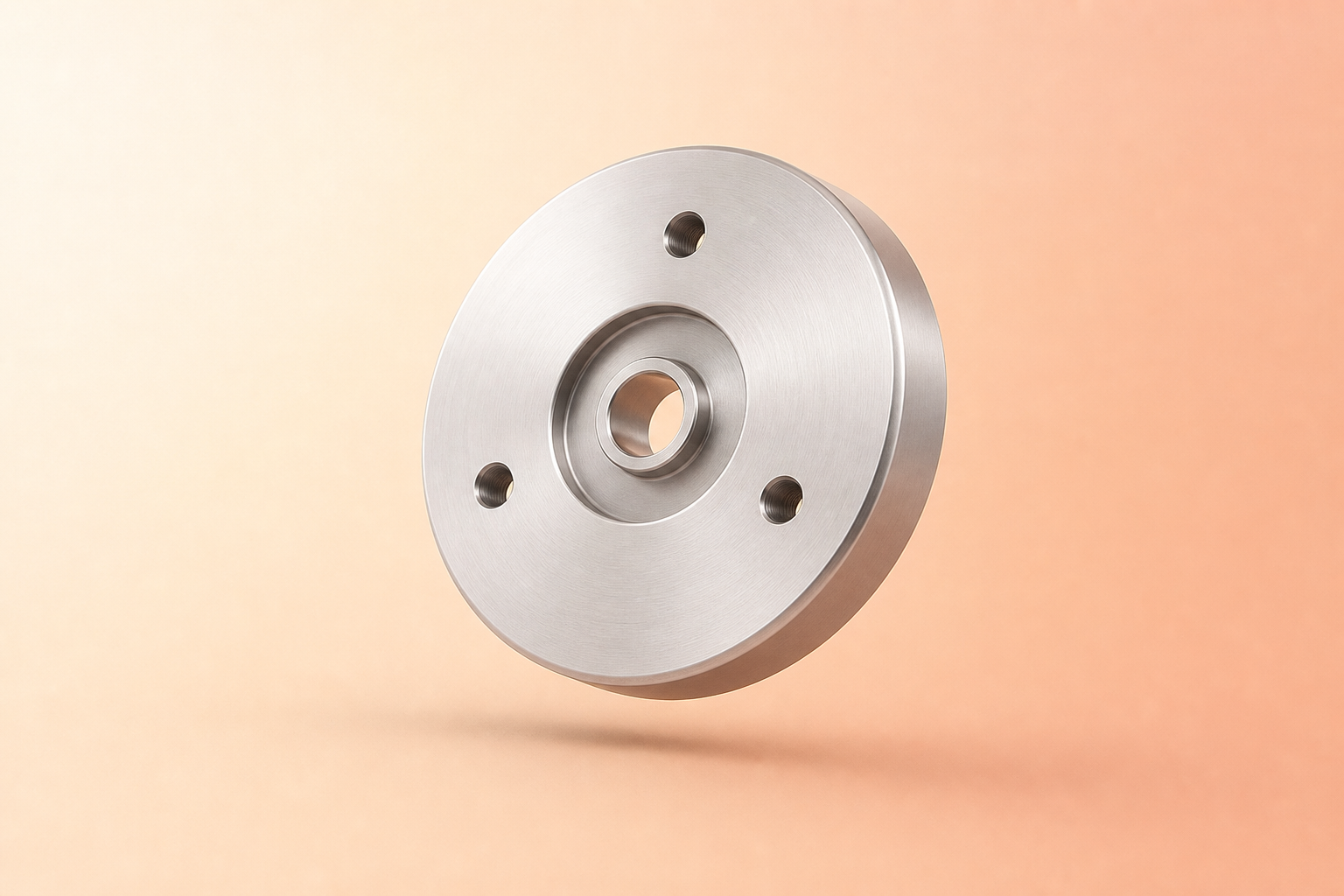
Process-specific. Not generic blog posts.
Each manufacturing process gets its own rulebook — minimum wall thickness for CNC milling, minimum bend radius vs. material thickness for sheet metal, slot lengths for turning, overhang limits for FDM. Numbers come from the actual suppliers running your jobs, not a textbook copied from 2003.
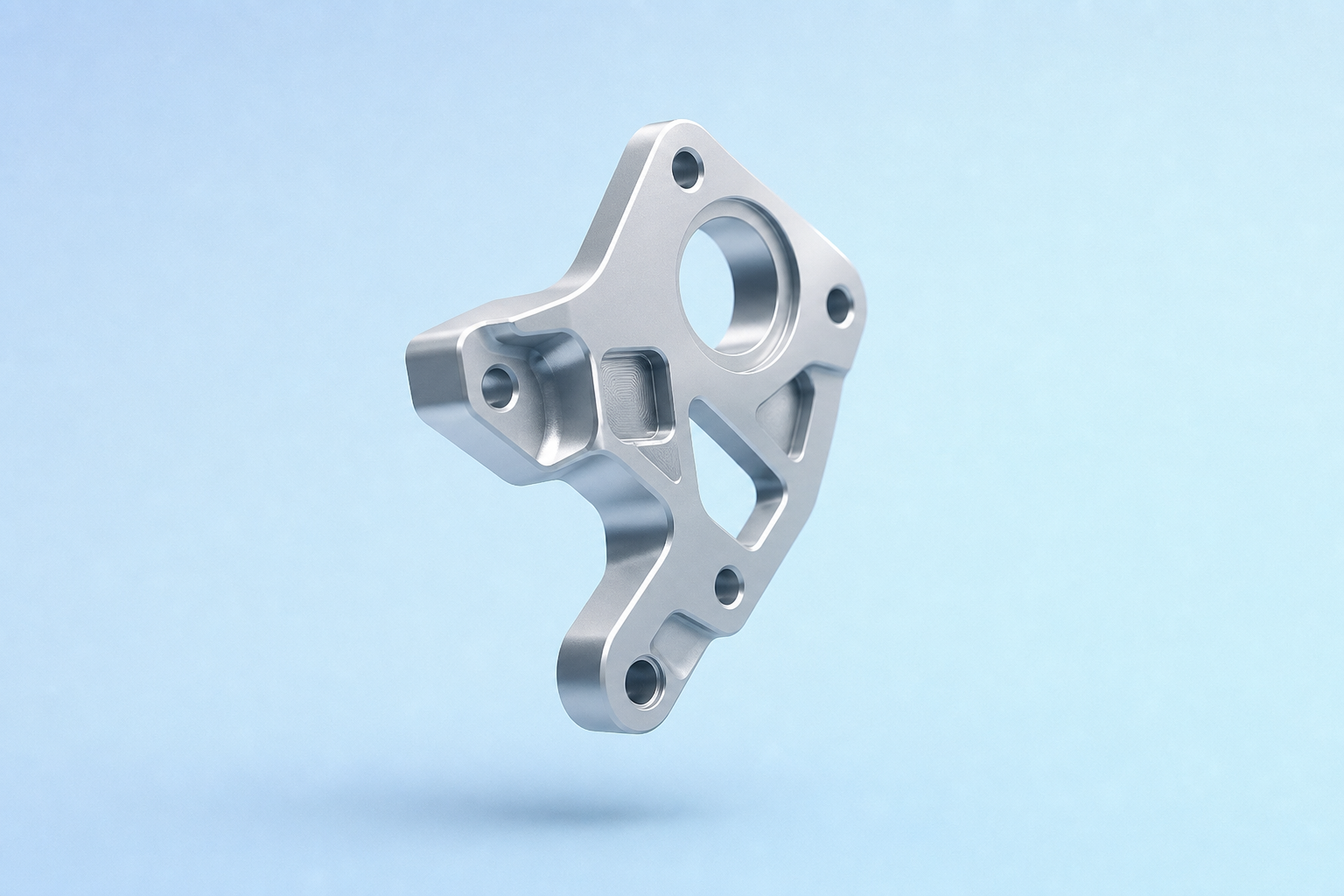
DFM page — CNC milling rules with side rail of subsection links and inline diagrams per rule.
Know what tolerance you can ask for. And what it costs.
Look up a tolerance band by feature type — hole, slot, planar, positional — and see which processes can hit it, what cost multiplier it carries, and what ISO 2768 grade it maps to. The same table the configurator uses when it priced your last job.

Tolerance reference — searchable table grouped by feature type with cost-multiplier column and ISO 2768 grade column.
Pick a material like you pick a tool.
500+ grade catalog with properties, post-processing options, minimum order quantities, and a one-line "when to pick this over X" note for every grade. Filter by tensile, yield, corrosion class, or just type "aluminum aerospace" and let the search do the rest.

Material guide — Al 6061-T6 page with property cards, post-processing chips, and "when to pick" rationale block.
A walk-through of the configurator. With notes.
Every field in the quote configurator gets a docs page — what it means, what trade-offs it surfaces, when leaving the default is the right call. Same screenshots as the real flow, with the engineering reasoning in the margin.

Tutorial — quote-flow walkthrough with annotated screenshots and "expert tip" callouts in the side rail.
Every guideline is one click from an RFQ note.
Reading the chamfer guideline mid-quote? Hit "Add to my RFQ" and the rule lands as a structured note on the current quote line — the supplier sees the exact text, the engineer sees the citation. Closes the docs→quote loop without copy-pasting.

FAQ entry — "What does 0.005in surface mean for milling?" with "Add to my RFQ" CTA that drops a note onto the active quote line.
Stop guessing. Start specifying.
Sign in to search the full guide library and pin rules to your quotes.